Pebble
A downloadable game for Windows
Simple moments with creativity and color.
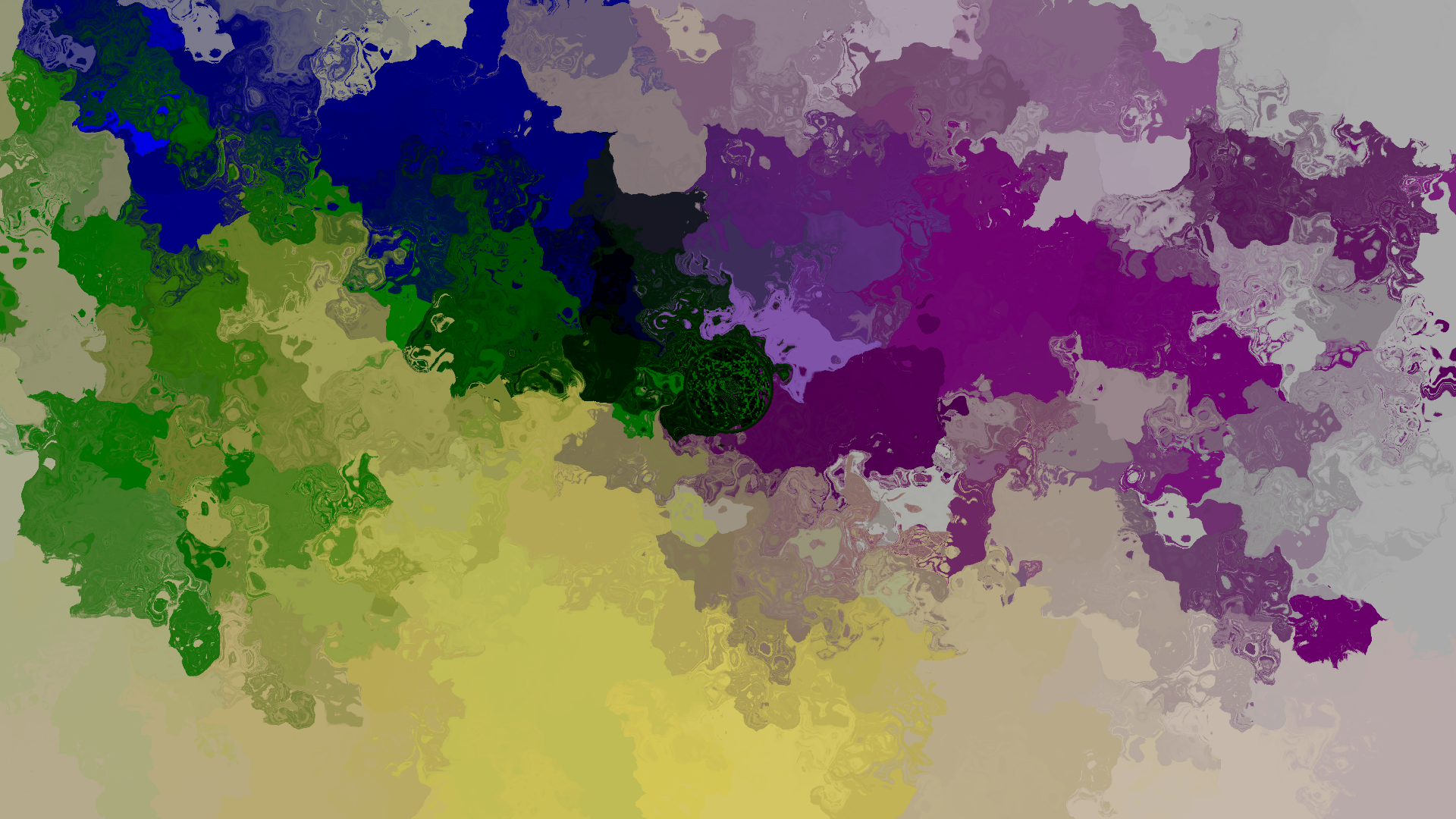
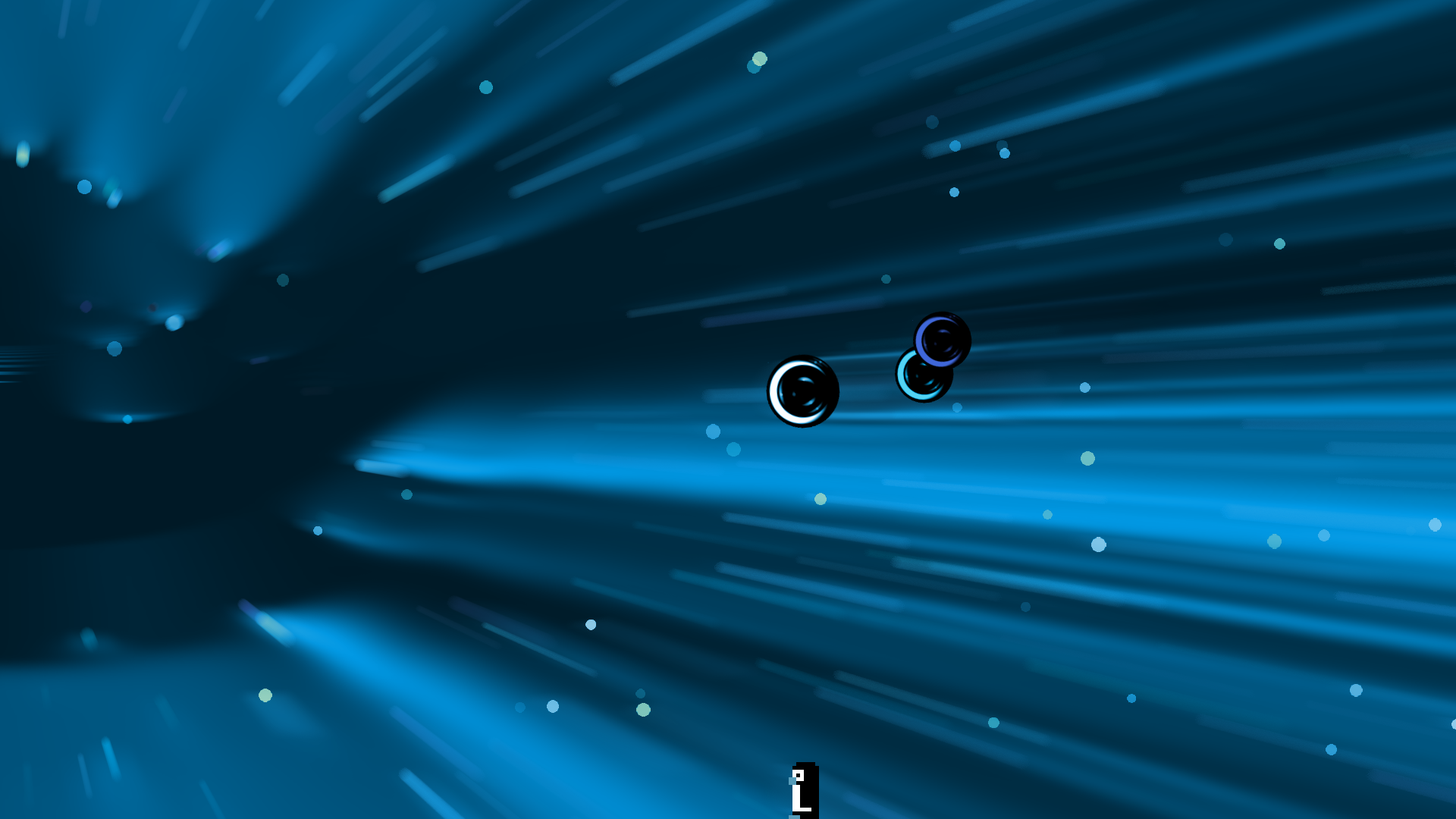
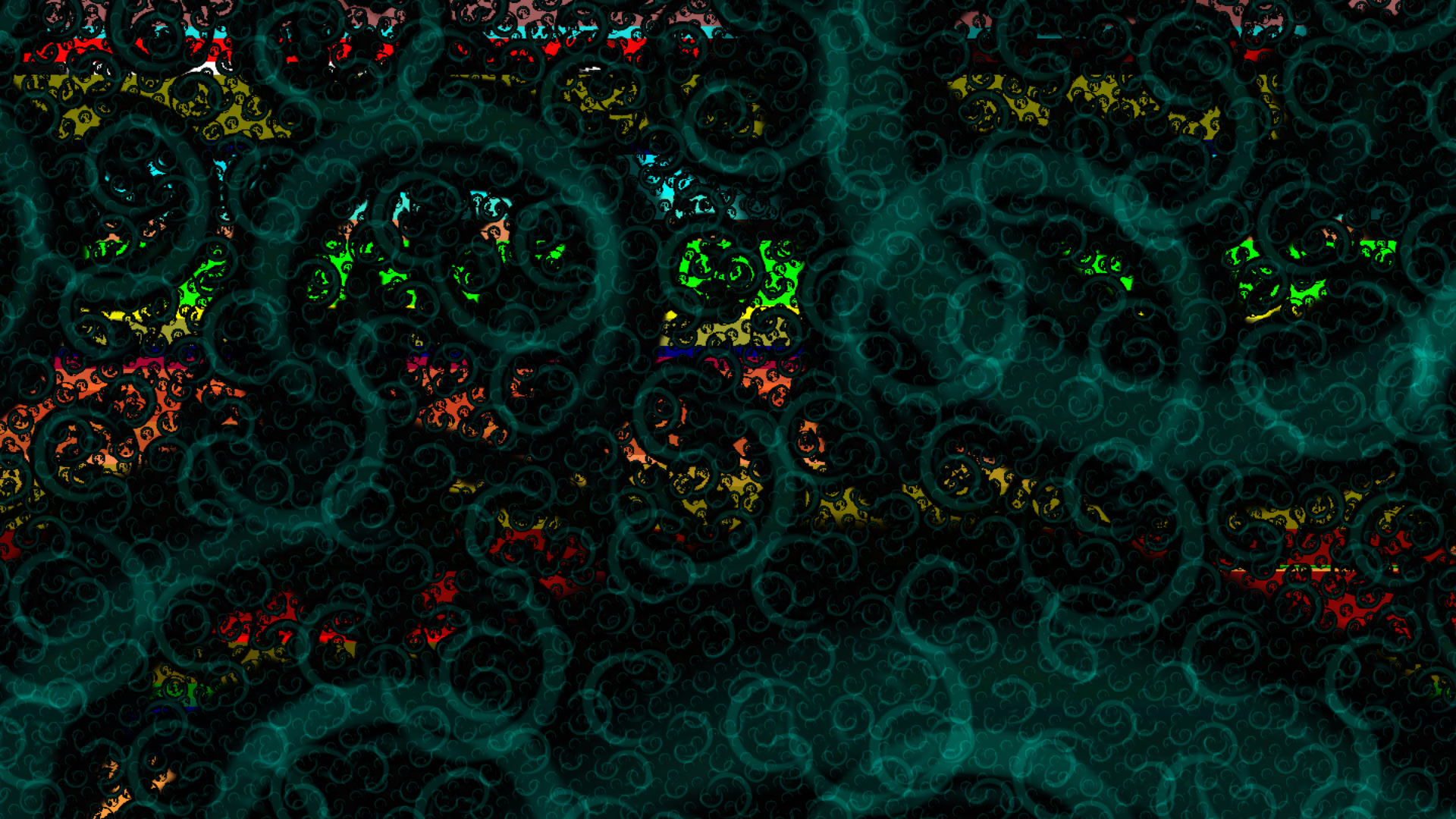
Use keyboard and mouse inputs to create striking visuals over a background of original music.
Most keys on the keyboard do something.
Most somethings are listed in the controls pages of the game.
Experiment and enjoy the movement and interaction of color.
**Photosensitivity Warning**
This game contains flashing lights and colors. Please immediately stop playing and consult a doctor if you experience lightheadedness, altered vision, eye or face twitching, jerking or shaking of arms or legs, disorientation, confusion, or momentary loss of awareness.
If you or any relatives have a history of seizures or epilepsy, consult a doctor before playing.
**Notes and Recommendations**
Some frequently used keys:
- Right Control to reshuffle the room conditions
- X for gently falling drops of color
- Z to toggle the wave feature on and off
Keys with no function:
- Caps Lock because it still toggles Caps and that can be annoying
- Function keys so they can continue to function normally
- Numpad keys because not everyone has a numpad
- The Shift keys because they can trigger a Sticky Keys notification that crashes the game when in Fullscreen mode
About music:
This game features 23 pieces of original music on a looping shuffle, but it is very easy to turn the music off if you prefer to listen to something else while you play.
Use the Spacebar or the Music Off button on the Menu screen to pause the in-game music. The Right Alt key skips tracks.
About Screenshots:
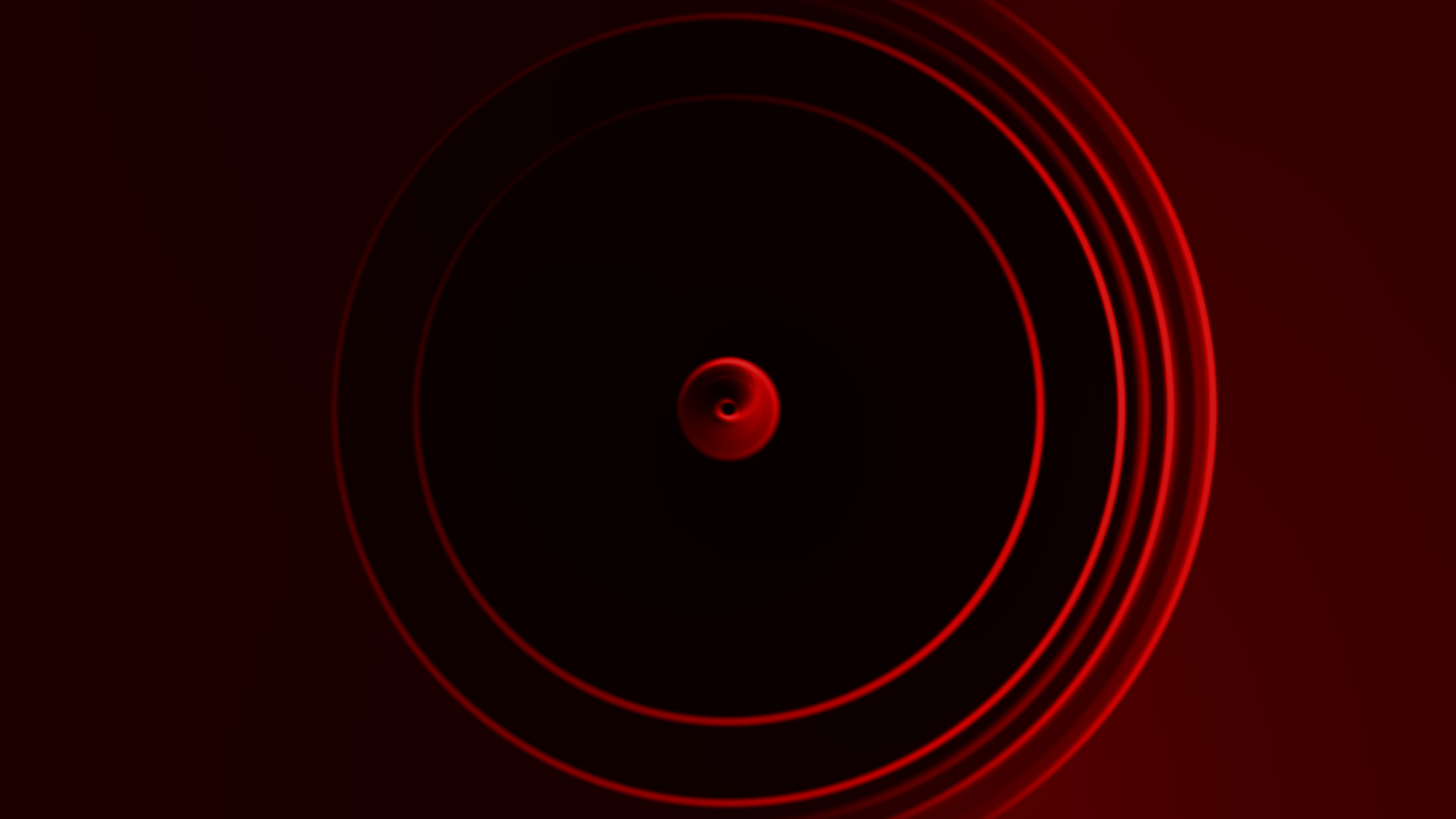
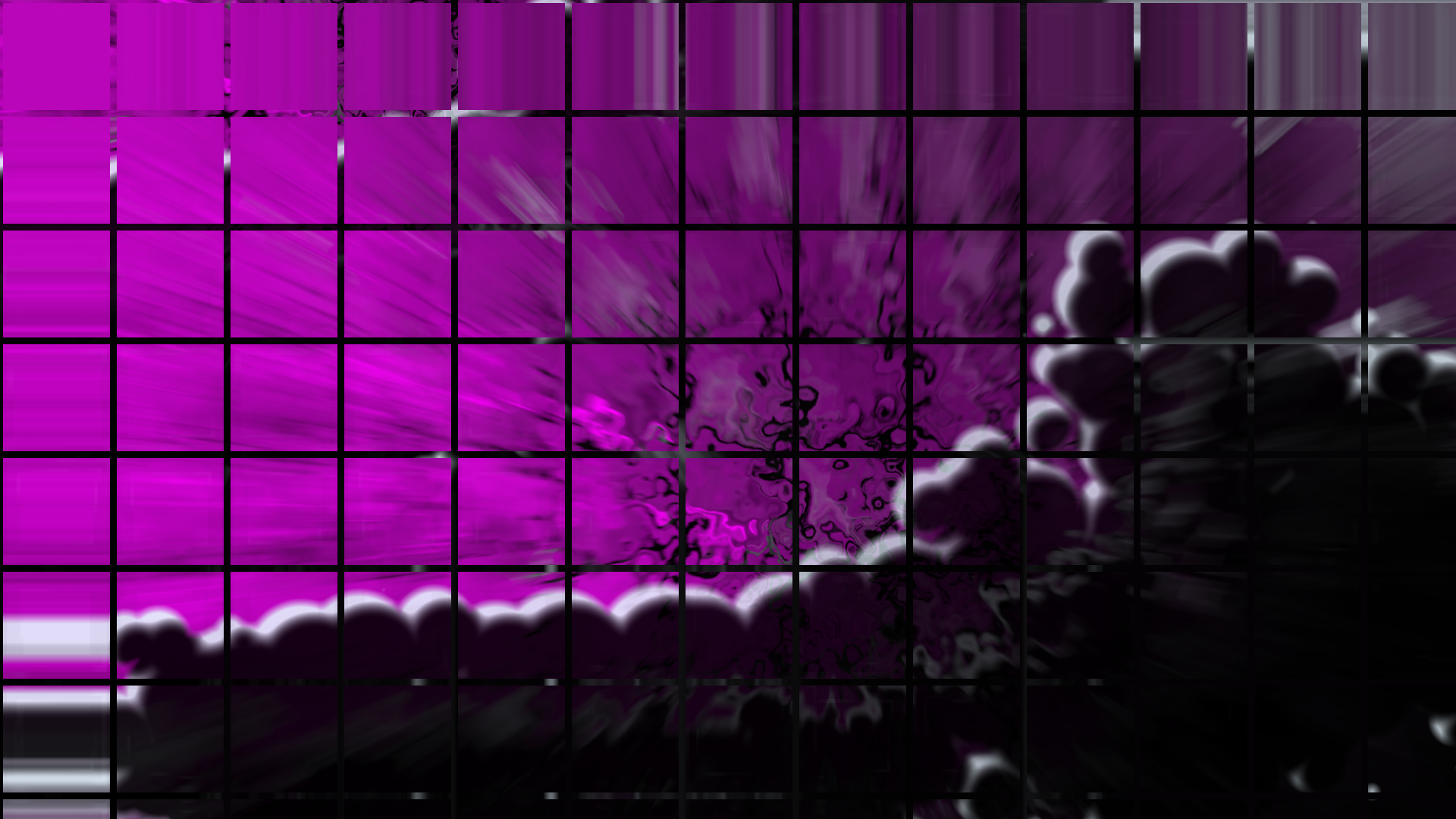
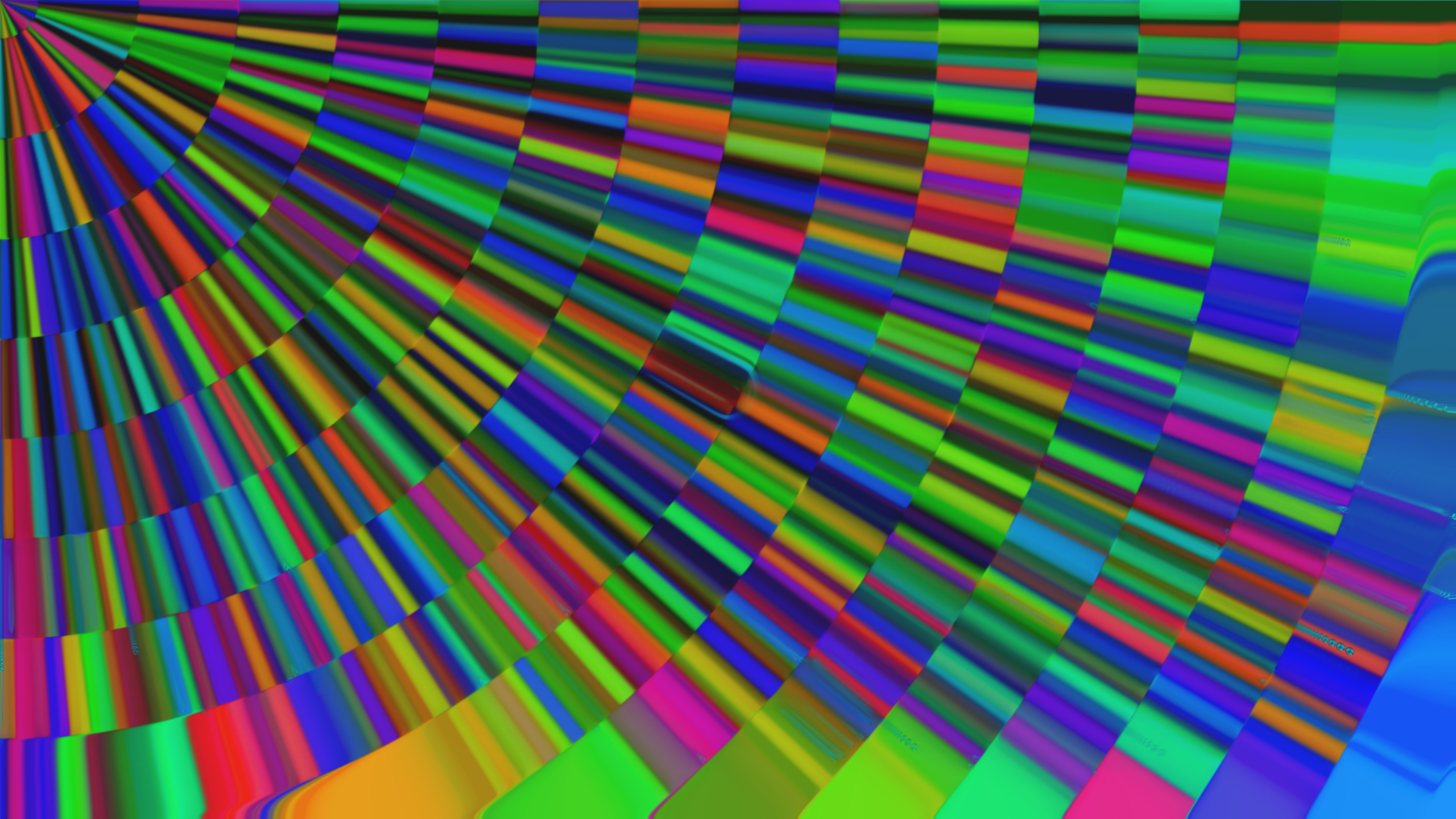
This game uses the Enter key to take quick and easy shots of the game screen without borders or background noise, whether Fullscreen or Windowed.
Photos save to the working directory, which you can access by opening your File Explorer and typing %localappdata%/PebbleGame in the bar at the top.
Download
Click download now to get access to the following files:


Leave a comment
Log in with itch.io to leave a comment.